These Are the Tools I Actually Use
Not just a random list
My Favorite Website Resources
Running a website is so much easier when you have the right tools. Here you’ll find my go-to resources for streamlining your systems, saving time, and building a brand that runs smoothly behind the scenes. From design and organization to marketing and tech, these are the trusted tools I use and recommend to clients every day.
Disclosure: This page does contain affiliate links which means I get a commission if you purchase through my links. That said, I will only recommend things I truly love and use. Learn more.

01
Site Essentials
The following three are non-negotiables that I rely on every single day. If you’re building a website, this is where you start. Great hosting and a solid theme framework are like good bones for your digital home—everything else builds on top of them. I’ve used these tools across multiple sites and client projects because they’re fast, reliable, and genuinely user-friendly.
Bigscoots Hosting
This is the hosting provider I trust with all of my websites—and most of my client sites, too. BigScoots isn’t just fast, secure, and reliable… their support team is incredible. I’m talking real humans, helpful responses, no tech-speak runaround, and FAST. They’ve saved me more than once, and I’ll always recommend them to anyone building a WordPress site.
Kadence Pro
Kadence is the theme framework I build on again and again. It’s flexible, lightweight, and packed with features that make designing beautiful, functional sites so much easier. Whether you’re a DIYer or working with a designer, Kadence gives you the tools to create something truly custom—without slowing your site down. *Tip: Get the
Restored 316 WordPress Themes
When paired with Kadence Pro, Restored 316 child themes are what make websites really pop! I find myself gravitating to these themes over and over. I have known Lauren since 2013 and there are no better performing and looking child themes out there. Plus, between Lauren and Lani the customer service is unmatched!

02
Contact Forms
Your website should never be a one-way conversation. Adding a contact form is one of the simplest — and most essential — ways to invite connection, build trust, and let people actually reach you. Whether it’s a reader with a question, a brand interested in collaboration, or a customer needing support, an easy-to-find, easy-to-use form shows you’re approachable and professional.
There are a lot of contact form plugins out there, but here are two that I personally recommend:
Ninja Forms
This is my go-to. It’s incredibly user-friendly, super customizable (even with the free version), and doesn’t break the bank if you want to upgrade for more features. I love how easy it is to build and style forms without touching a line of code.
WPForms
This is another solid choice. It’s very popular and beginner-friendly, with tons of drag-and-drop options. I’ve used it and found it to be reliable and intuitive — just not my current fave.

03
Design Tools
When it comes to design, you don’t need to be a pro to create beautiful content. These are the tools I rely on regularly to bring my brand to life—whether I’m designing Pinterest pins, eBooks, or custom graphics for my blog and socials. From intuitive drag-and-drop platforms to powerful pro-level software, these resources help make creating visually appealing content easier (and more fun).
Canva
I’ve been using Canva since I started blogging back in 2013 — and it’s only gotten better. They don’t just keep up with trends; they set them. From Pinterest pins and social graphics to e-book layouts and website elements, Canva is intuitive, powerful, and packed with templates that make your work look polished in minutes. Whether you’re a beginner or a seasoned creator, Canva makes design feel easy and fun. Honestly, I’ve never felt the need to use anything else.
Adobe Suite
That said, many creators — especially photographers and professional designers — swear by the Adobe suite. Tools like Photoshop, Lightroom, and Illustrator offer precision and customization that Canva can’t quite match. If you’re doing high-level photo editing or working on intricate branding, Adobe might be a better fit for you.
04
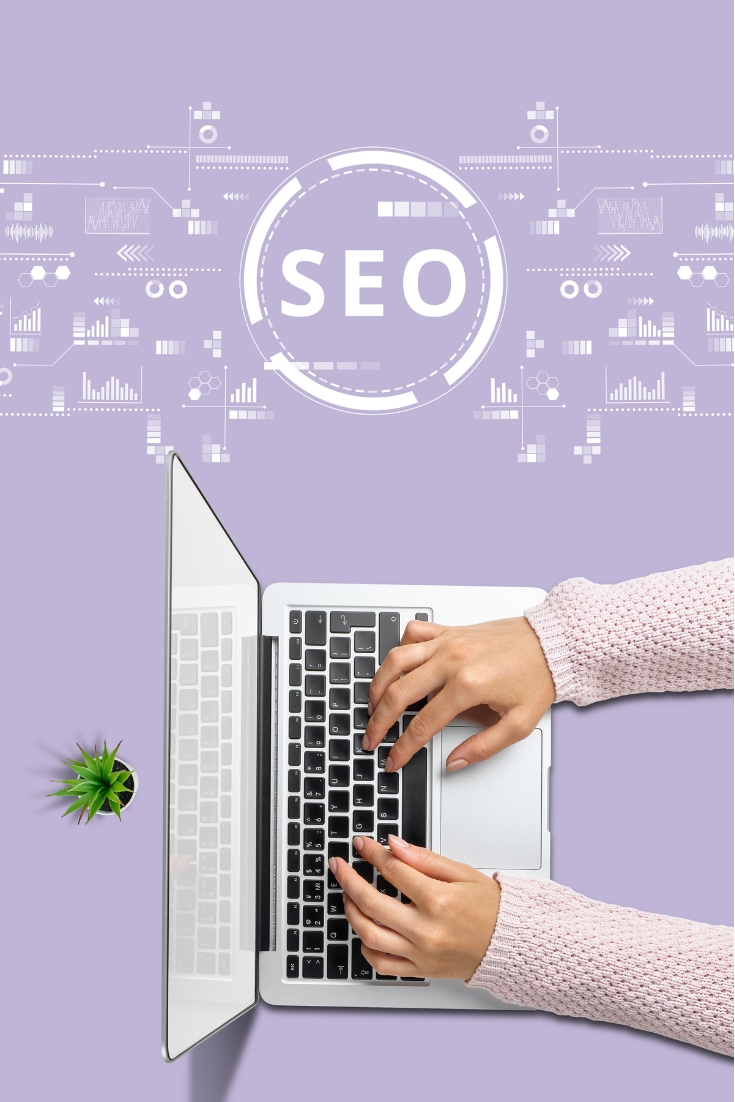
Search Engine Optimization (SEO)
SEO (Search Engine Optimization) is all about helping people discover your content through search engines — and doing it in a way that feels natural and useful for readers. Thankfully, there are tools that make it easier to get this right without feeling overwhelmed.
Yoast SEO (plugin)
Yoast is a must for any WordPress website. It walks you through basic SEO setup for each post — including keyword placement, meta descriptions, readability, and more. The best part? The free version is excellent and more than enough to get you started. I’ve used Yoast for years and still rely on it as my go-to SEO assistant inside WordPress.
Google Tools (free & powerful)
Even though they’re not flashy, Google’s own tools are incredibly helpful once you know what to look for:
- PageSpeed Insights – Tells you how quickly your pages load and offers suggestions to improve performance — which affects both SEO and user experience.
- Google Search Console – Shows you how your site is performing in search: which keywords bring people to your pages, what errors Google sees, and how often your posts are clicked.
- Google Analytics 4 (GA4) – Tracks how people are using your site: what they click, how long they stay, and where they bounce. It’s a bit complex, but even basic tracking can offer powerful insights.
Pro SEO Tools (If Budget Allows)
These are powerful platforms I’ve used and loved — but they do come at a cost. If you’re ready to invest or grow your site strategically, they’re worth exploring.
- Clariti – A tool designed just for content creators. It helps you manage and update your blog posts by tracking changes, missing metadata, internal linking, and optimization opportunities. It’s incredibly helpful, but I paused my subscription for budget reasons — and I’ve found that with a little extra effort, I can get most of what I need from free Google tools.
- SEMrush – One of the best SEO research tools out there. It offers keyword research, competitive analysis, content gap audits, backlink tracking, and so much more. It’s not cheap, but wow…so much info at your fingertips.

05
Plugins
When it comes to plugins, it’s easy to get overwhelmed—there are thousands out there. But after running multiple blogs for over a decade, these are the ones I always come back to. They’re helpful, easy to use, and make my blogging life smoother.
WP Recipe Maker
If you share recipes, this is the plugin to have. WP Recipe Maker lets you create beautiful, printable recipe cards that are SEO-friendly and easy for readers to follow. I’ve used others in the past, but nothing compares when it comes to customization, structured data, and overall ease of use. Highly recommend for any recipe creating blogger!
The Blog Fixer
This plugin is like a quiet assistant that tidies up your blog while you sleep. It flags issues and makes automatic fixes based on the custom work you’ve had done through The Blog Fixer service. I’ve known the team behind it (they’re bloggers, too!) since 2013, and they’ve built a genuinely useful tool that saves so much time. If you’re managing a large blog or have been publishing for years, this one’s a game-changer.

06
Email & Social
Email and social media can feel like a lot to manage—but with the right tools, it gets way easier (and dare I say, enjoyable?). These are the platforms I use every week to stay connected with my readers and share the content I create.
Flodesk
I’ve used a handful of email platforms over the years, and nothing compares to Flodesk. It’s intuitive, beautifully designed, and incredibly visual—which makes it perfect for creatives like me who want their emails to look just right without a lot of fuss. From welcome sequences to weekly newsletters, Flodesk handles it all.
Hubbub
When it comes to social sharing buttons, Hubbub is kind of the standard in the blogging world. I’ve used others, but this one’s clean, customizable, and built with bloggers in mind. I use it to add Pinterest, Facebook, and other sharing buttons to my blog posts—with the ability to tweak placement so they never get in the way of my content.
Tailwind
Oat cake jelly-o candy jujubes lemon drops tiramisu brownie chocolate. Wafer cotton candy chocolate cupcake pudding. Tiramisu bear claw cupcake cake marshmallow marzipan marshmallow wafer.
Lnk.Bio
For my “link in bio” on Instagram, I use Lnk.Bio. It’s clean, simple, and does exactly what I need. I update it manually (which isn’t my favorite task, but it works). I’ve tried others in the past, but always seem to come back to Lnk.Bio for its ease and simplicity.

07
Monetization Tools
Let’s be honest—blogging is work. If you’re hoping to turn that work into income, you need the right tools to track, manage, and maximize your efforts. These are a few platforms and plugins I use to help generate revenue from my blog.
Raptive (formerly AdThrive)
Raptive runs the ads you see across my websites. They handle everything from placement optimization to payment, and they’ve been a game-changer for turning my traffic into real income. I’ve worked closely with their team during site redesigns and content updates, and they’ve always been helpful and transparent.
Mediavine
Another excellent option for ad network monetization is Mediavine. While I’ve personally only worked with Raptive, I know many bloggers who are happy with Mediavine. Their threshold for entry is similar to Raptive, so if you’re looking for a high-quality ad management partner, Mediavine is absolutely worth exploring.